7:58 a.m.
Your cashier arrives and signs in with a PIN.
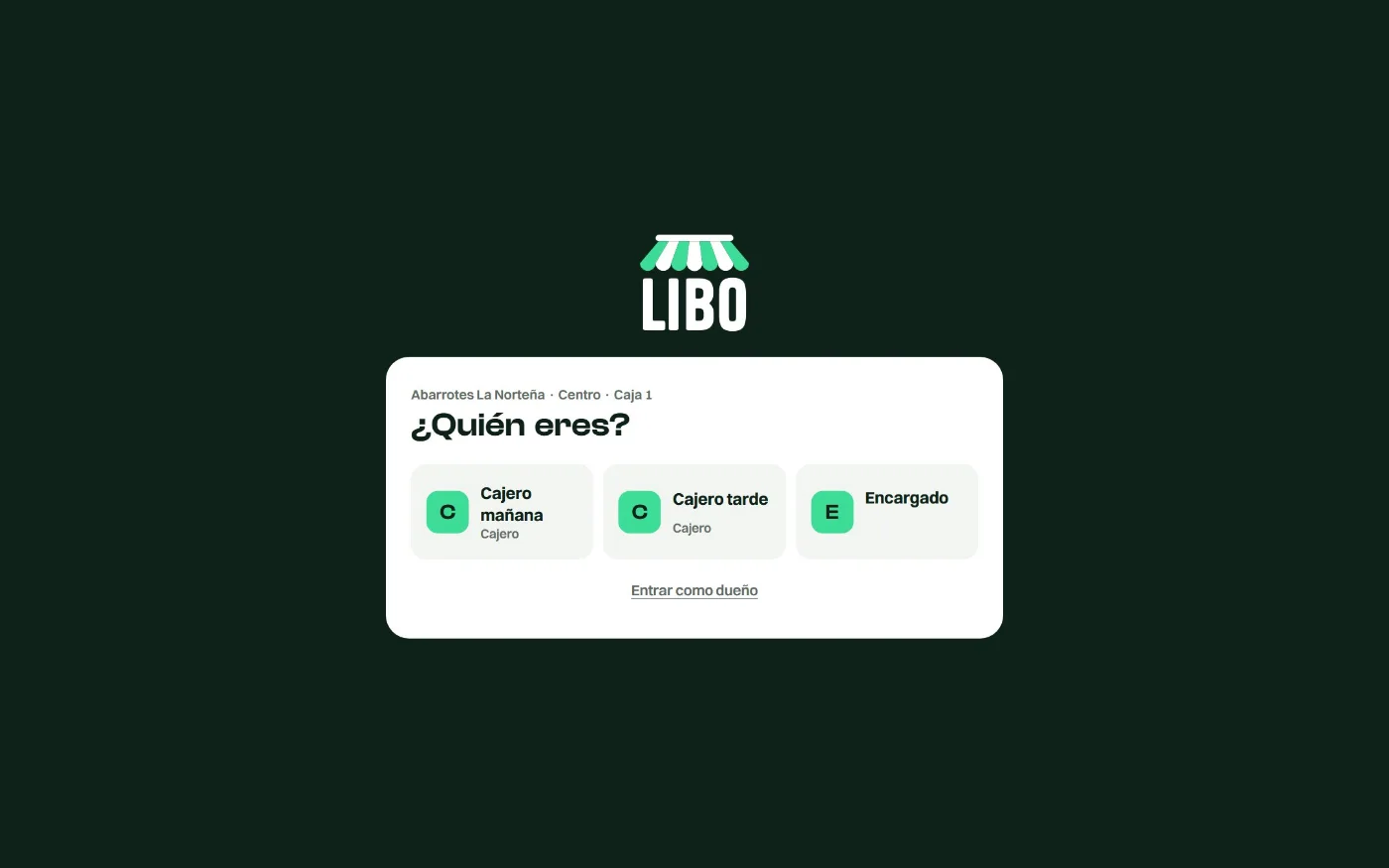
Each computer knows which register it is and which location it belongs to. Your team taps their name and enters a 4-digit PIN; you sign in with your password.

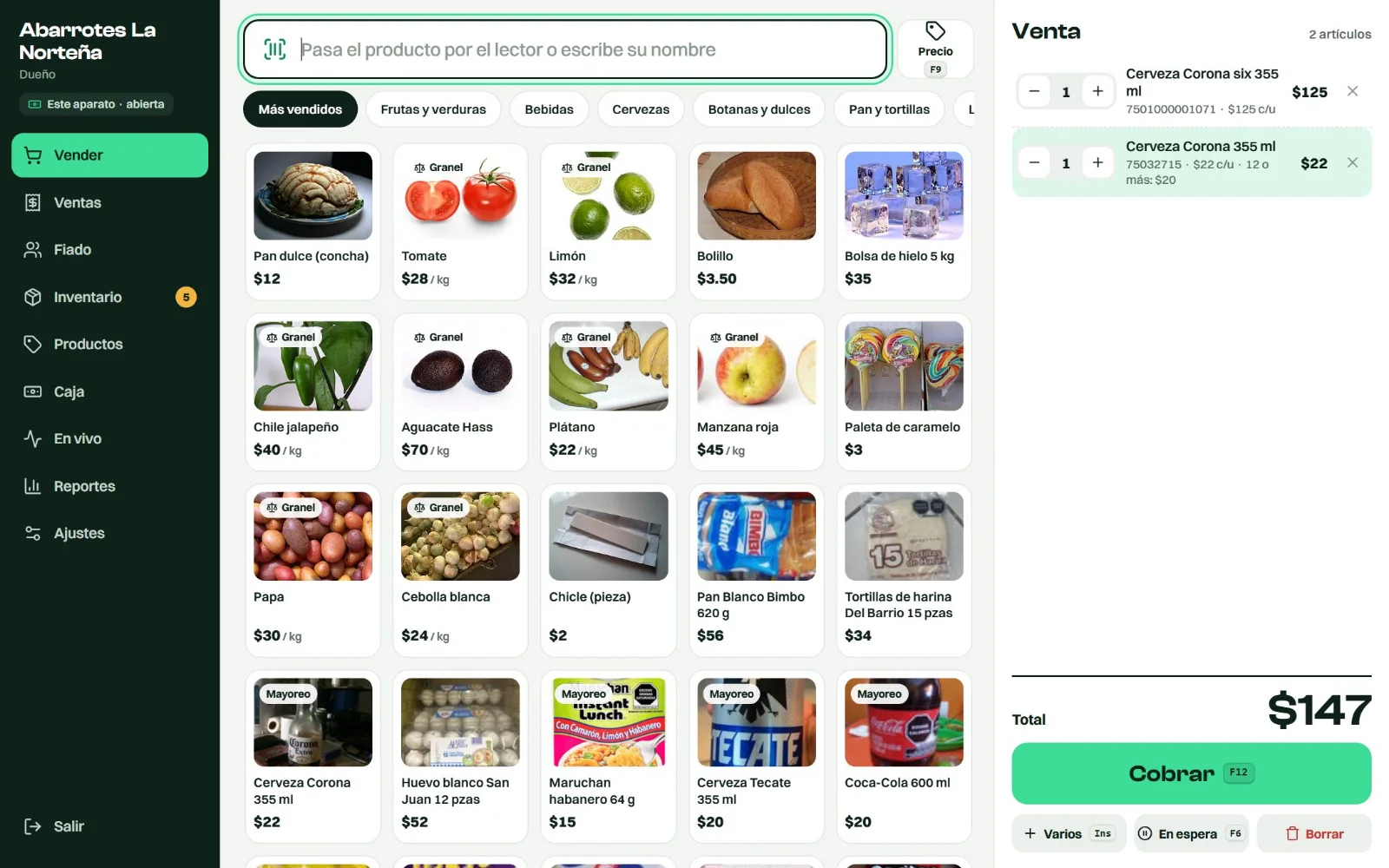
The point of sale for your store. Scan the barcode and the item is in. Ring it up, and inventory, customer tabs and the close-out take care of themselves. On the computers you already have, with your barcode scanner.
$399 a monthComing soon to the U.S.2 months free when you pay yearlyNo paid upgrades
When you open your store, it asks what you sell and starts ready for you:
Grocery and convenience Disposables and party supplies Stationery Hardware Clothing and boutiquesYour team checks out fast, your stock adds up and you know what should be in every register.
7:58 a.m.
Each computer knows which register it is and which location it belongs to. Your team taps their name and enters a 4-digit PIN; you sign in with your password.
9:12 a.m.
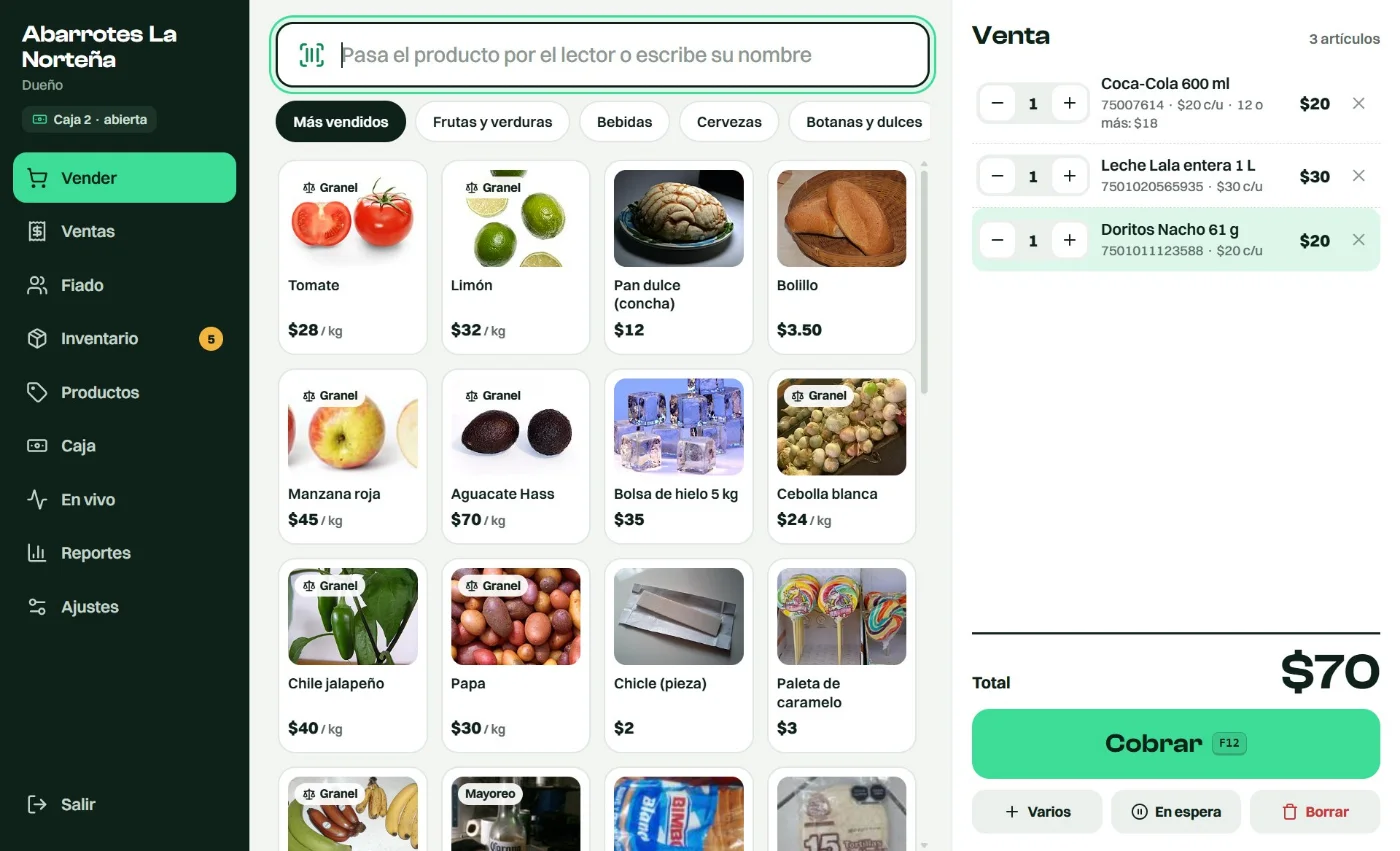
With the same USB scanner you already use, no setup. Scan it twice and the quantity goes up. Keyboard shortcuts too: F12 to check out and F9 to check a price.
11:40 a.m.
Each customer has a limit. Past it, the cashier can’t sell on credit; you or your manager can, and it gets logged. Customers get their balance on WhatsApp.
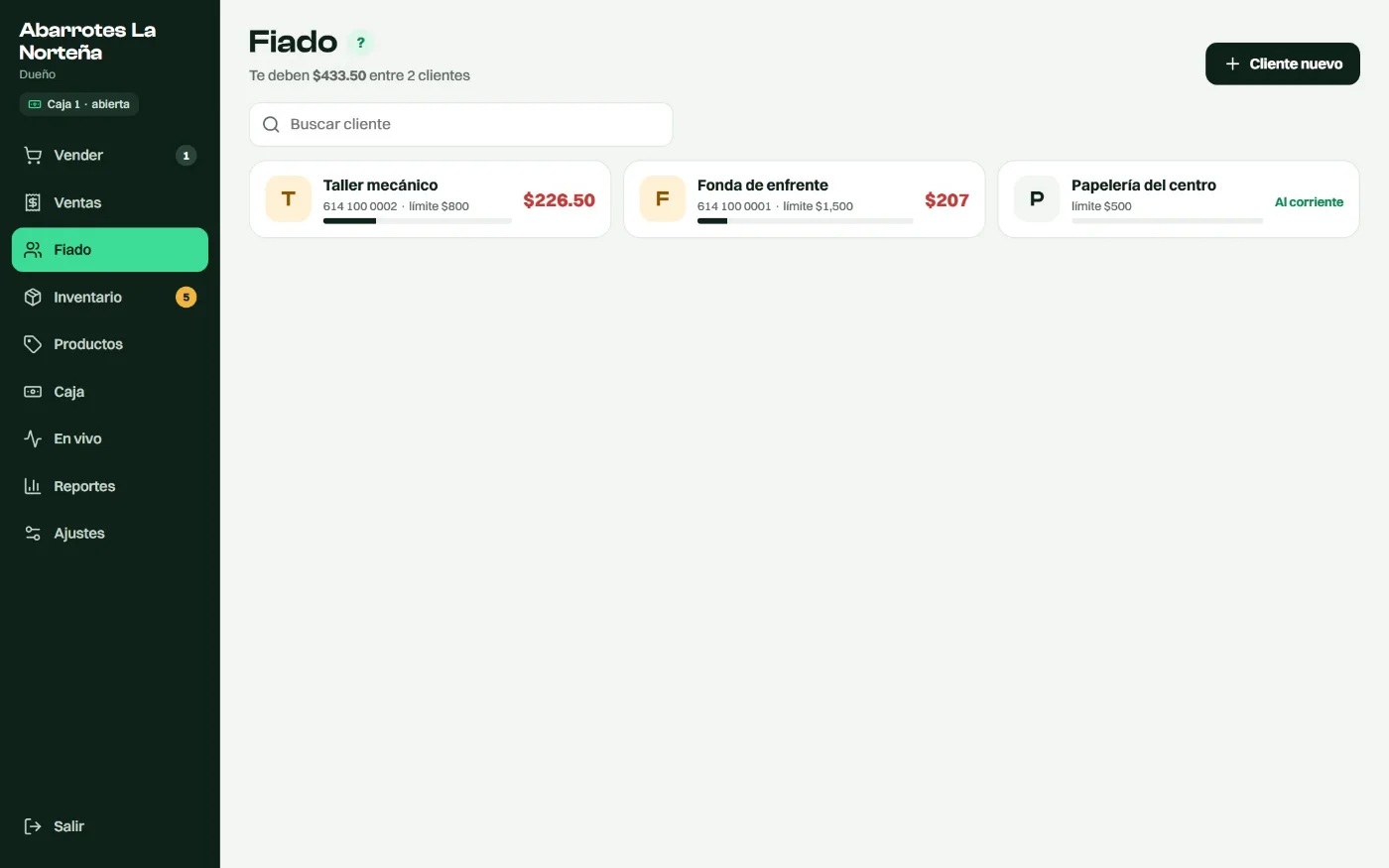
1:30 p.m.
How many came in and at what cost. Scan a case and the single units go up. Libo tells you what’s running low.
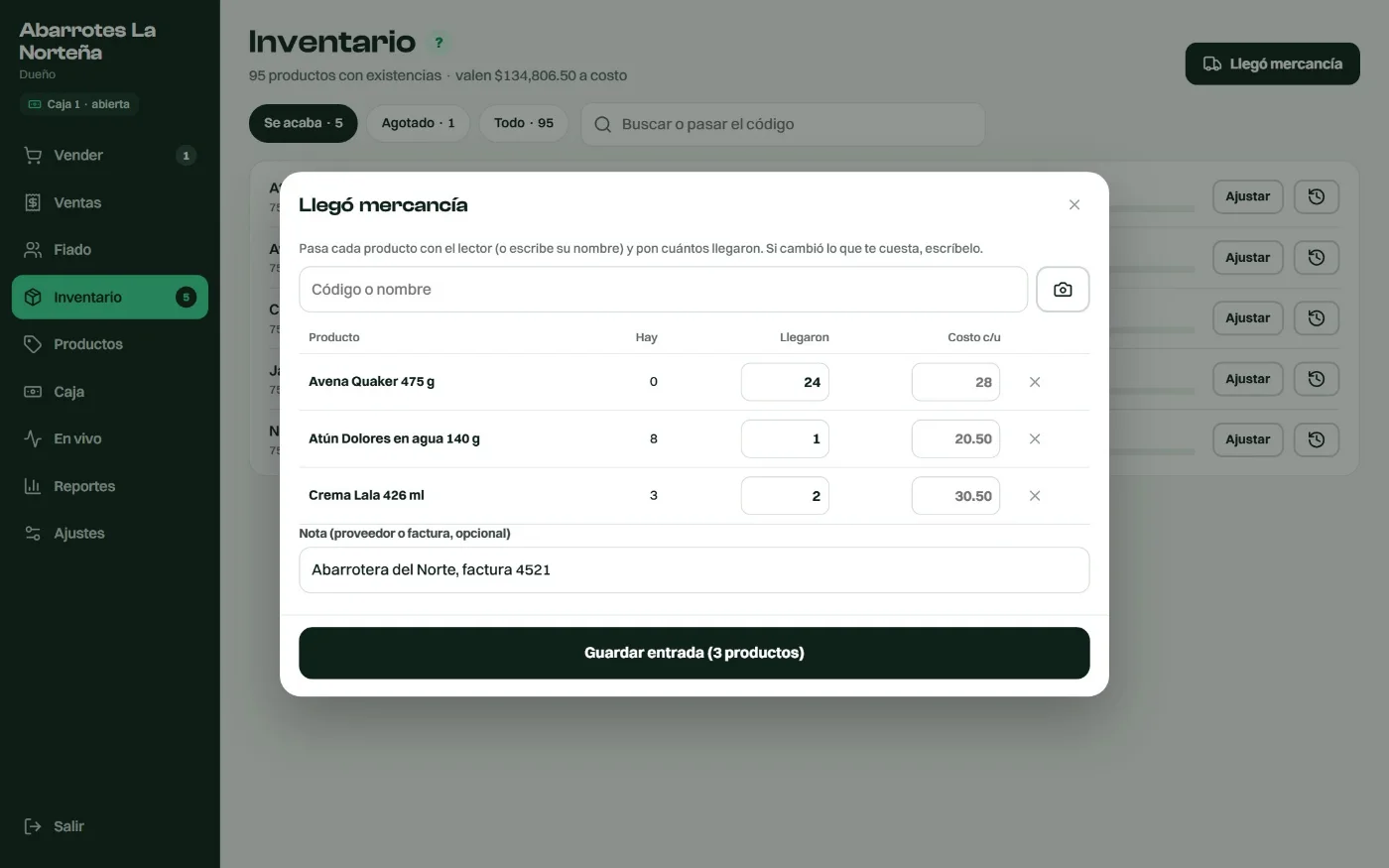
4:05 p.m.
The sale is saved on the computer, the receipt still prints, and it uploads on its own when the internet is back.
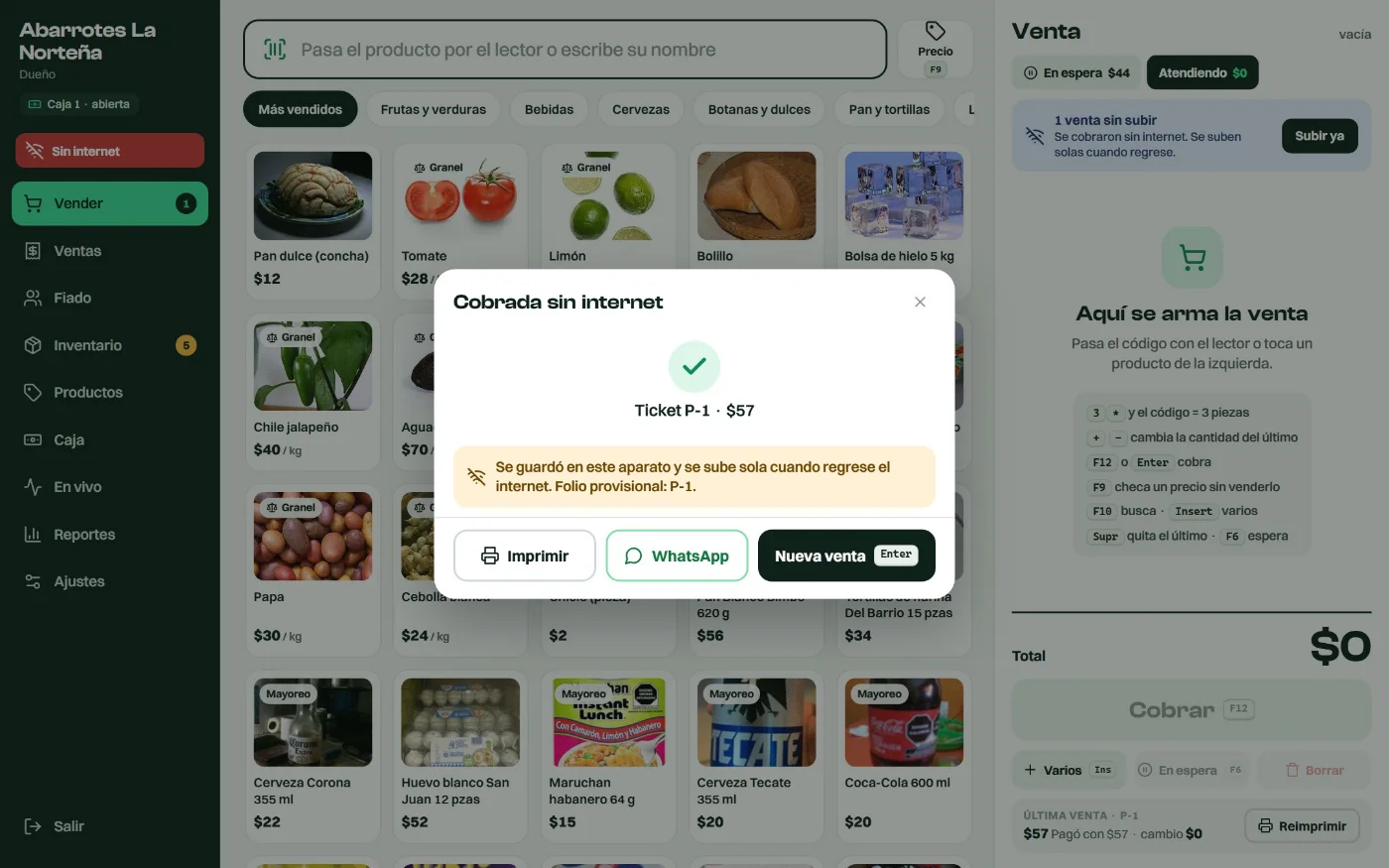
9:00 p.m.
One per cashier: starting cash, cash sales, tab payments, cash in and cash out. If it’s over or short, you see it right away.
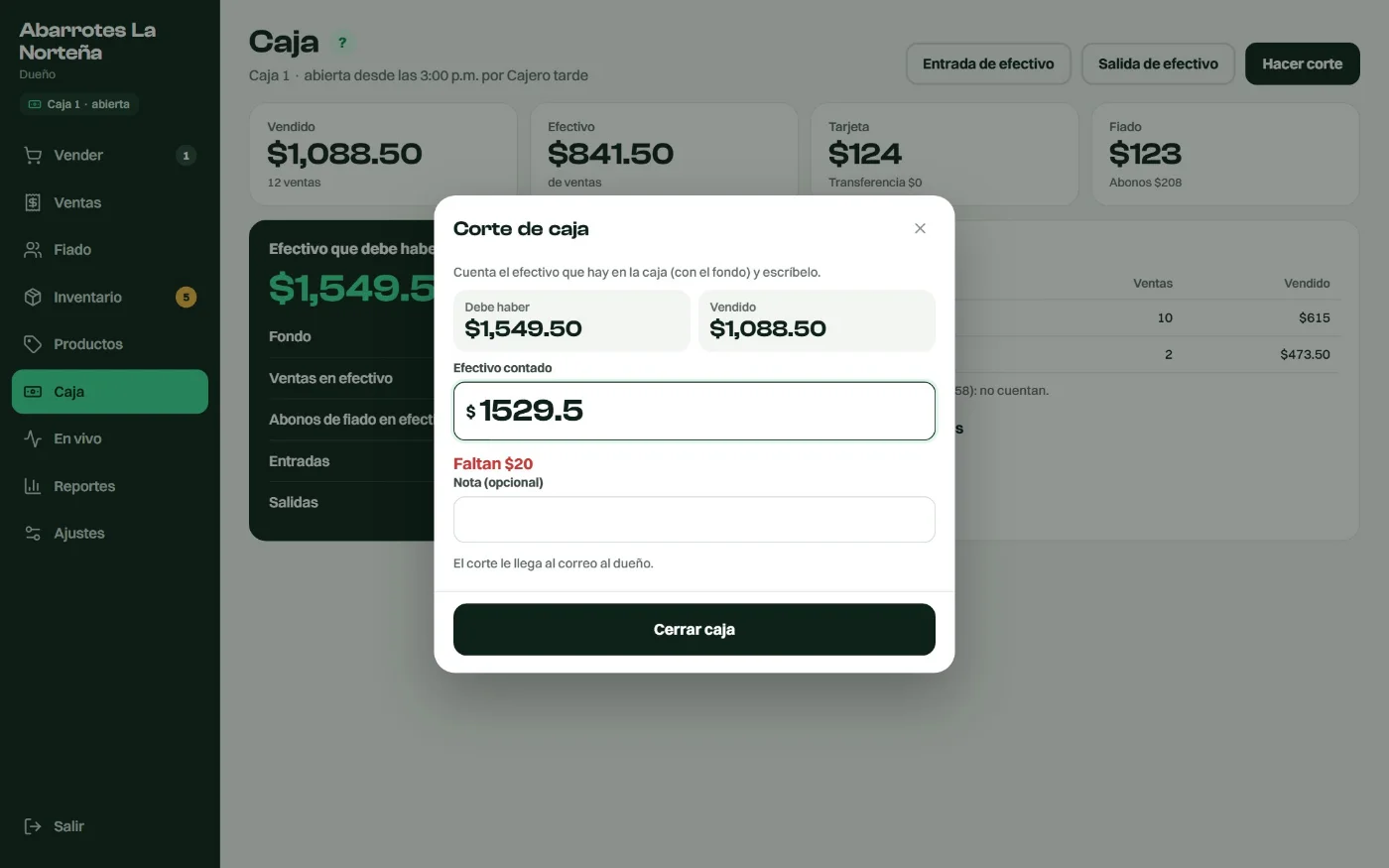
It works even with the checkout window open or on another screen: the item is added to the sale. If a barcode doesn’t exist yet, you add the product right there.
From a set quantity up, the price changes on its own.
12 or more: $17.50 eachKilo, meter or liter.
"$20 of ham" = 0.100 kgThe six-pack, the pack of 25 plates or the case of 500: each has its own price and barcode, and selling them takes the single units out of stock.
Payments, statements and their balance on WhatsApp.
Customer forgot something? Put their sale on hold and ring up the next one.
Printed on your 58 or 80 mm printer, with your logo, or sent to the customer’s WhatsApp.
Owner, manager and cashier. Cashiers don’t see costs or profits.
Or with the file your current system exports: up to 20,000 products, with barcode, price and cost. Grocery stores can start with the most common products, photos included.
It opens from a desktop icon, prints receipts straight to the printer without asking, and can open on its own when the computer starts.
From your phone you see sales, profit and what’s happening at every register in every location, in real time.
Updates on its own
Open registers
Libo installs on each register computer and the one in the back office. Each location has its own registers, close-out and inventory.
The one you already have, plugged in by USB.
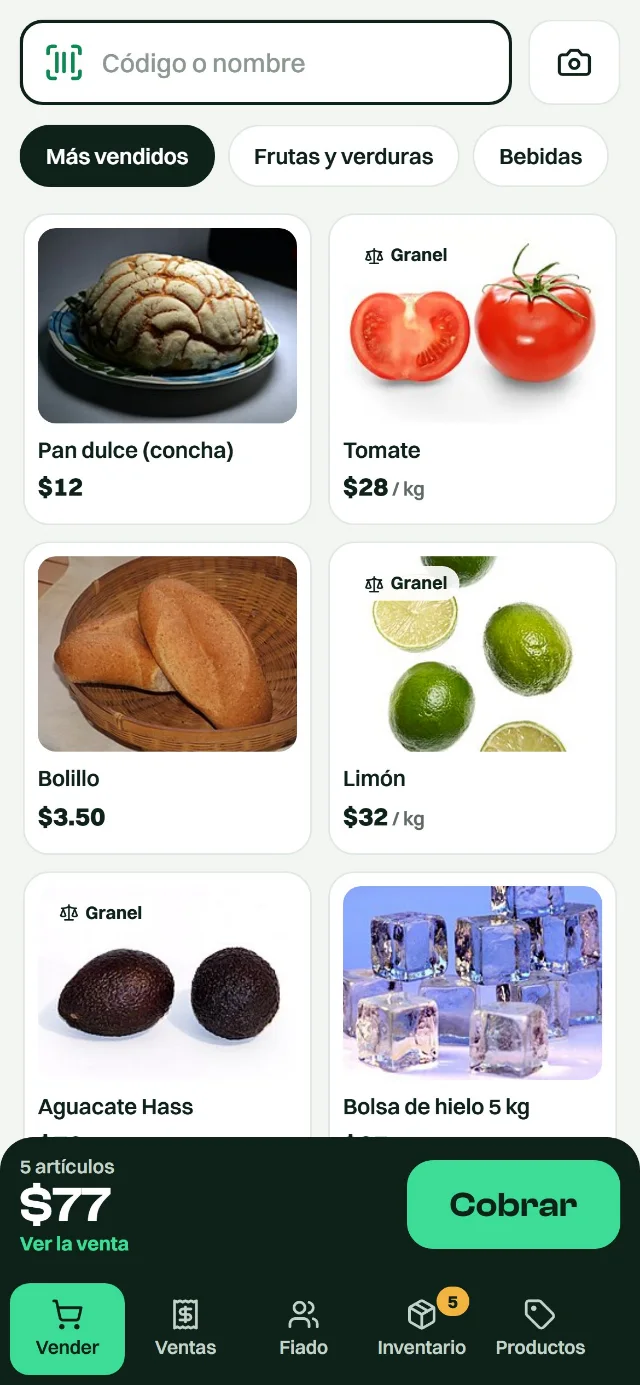
To see how it’s going from wherever you are. On a phone, the camera scans barcodes too.

Your customer carries their card in their phone’s Wallet, and their stamp is added automatically at checkout. No paper cards. It’s optional and costs less with Libo: from $499 a month.
Your customers build their order on their phone and pick it up ready, no waiting in line. With Libo, from $299 a month, no setup fee.
No support contracts or paid upgrades: improvements come to you automatically. Mexican VAT included.
Libo already runs in Mexico and we’re getting everything ready to launch in the United States. Message us and we’ll let you know as soon as it’s ready.
$399a month
$898a month
Libo is priced per location: the first one is $399 a month, and each extra location is $299 (25% less). All in one account. Fidelo is paid once per business.
| Locations | Libo per month |
|---|---|
| 1 | $399 |
| 2 | $698 |
| 3 | $997 |
| 5 | $1,595 |
If you get stuck, we help you on WhatsApp.
No. It runs on the Windows computers you already have, with your USB barcode scanner and your receipt printer (58 or 80 mm). On a phone, the camera scans barcodes.
Not yet. Today its screens are in Spanish, and we’re translating everything to launch in the United States. Message us and we’ll let you know when it’s ready.
Yes, it keeps selling. Sales are saved on the computer and upload on their own when the internet is back. Tabs are paused while offline, to protect each customer’s limit.
Yes. Upload your Excel or the file your current system exports, up to 20,000 products, with barcode, price and cost.
Yes. It’s one account: each location has its own registers, close-out and inventory, and products and prices are shared by all. You see each one or all of them together.
Yes. Pay for the year and get 2 months free: Libo is $3,990 a year instead of $4,788.
Each store only sees its own data, your team signs in with a PIN on the store’s computers, and you can require a code from your phone to sign in. Cashiers don’t see costs or profits.
Yes. Paste your Fidelo key into Libo and, at checkout, the customer’s stamp is added automatically. If you don’t have Fidelo yet, it costs less with Libo: Basic $499, Business $799 or Pro $1,099 a month (regularly $699, $1,099 and $1,499).
Message us and we’ll show it to you with your store’s products.